
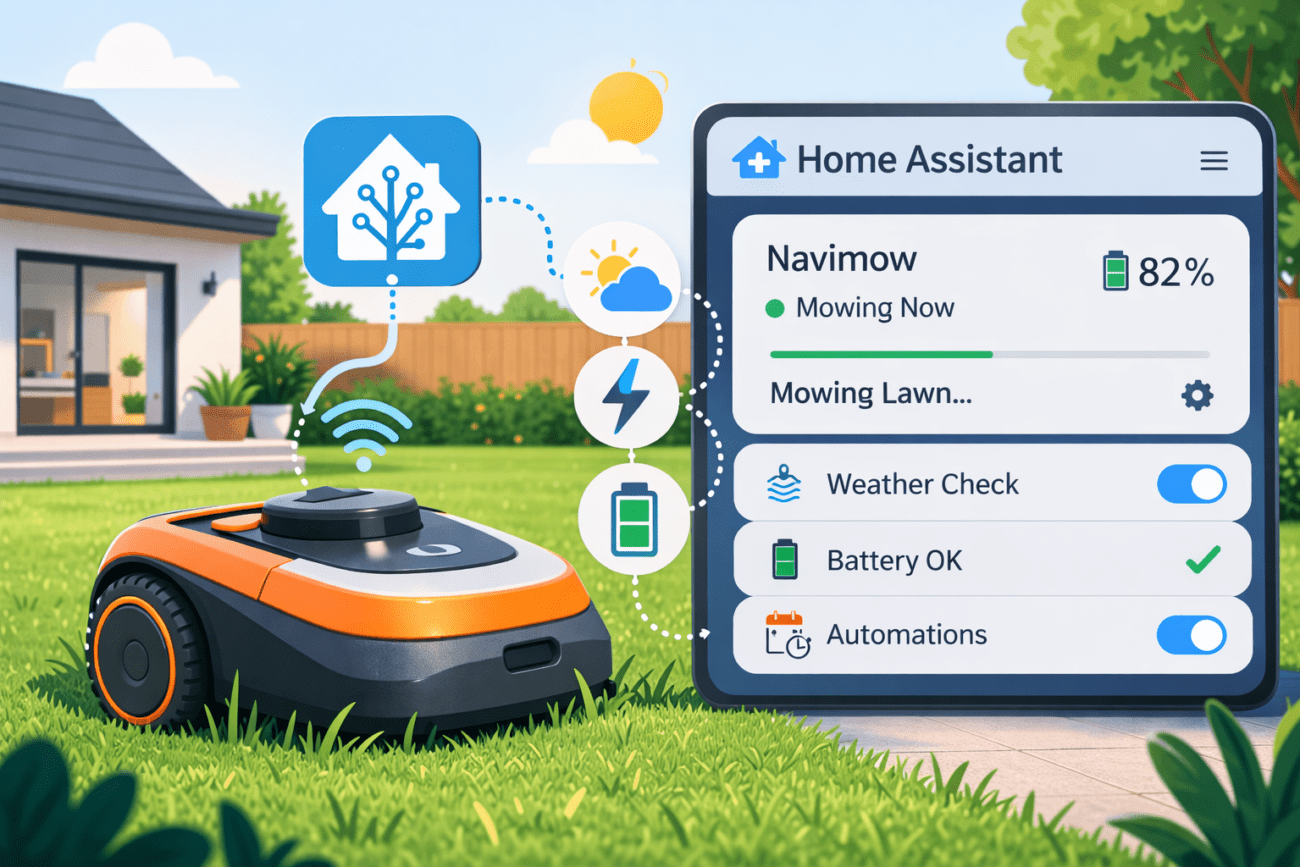
If you own a Segway Navimow robotic mower (i105, i108, H3000, etc) and run Home Assistant, you might have noticed that there hasn’t been an official integration available for quite some time. While Segway has discussed smart home integrations in the past, a public API or native Home Assistant support wasn’t widely available.
Fortunately, things seem to be changing. The Navimow team (at least, that’s what I think) recently released an official GitHub repository containing a Home Assistant integration: https://github.com/segwaynavimow/NavimowHA
This integration makes it much easier to monitor and control your Segway Navimow directly from Home Assistant.
Let’s take a look at what we can do with it.
What the NavimowHA Integration Does
The NavimowHA integration exposes your Segway Navimow as a proper Home Assistant lawn mower entity.
Depending on your mower model and configuration, the integration can provide:
- Mower activity status (mowing, charging, returning)
- Battery level
- Commands to start or stop mowing
- Integration with Home Assistant automations
- A dedicated
lawn_mowerentity
Once installed, your mower becomes a fully integrated device inside your smart home ecosystem.
Prerequisites
Before installing the integration, make sure you have:
- A Segway Navimow mower
- The Navimow mobile app configured
- Home Assistant running
- HACS (Home Assistant Community Store) installed
HACS is the standard way to install community integrations from GitHub directly inside Home Assistant.
1. Install the Repository via HACS
Open HACS in Home Assistant and add the custom repository: https://github.com/segwaynavimow/NavimowHA
Select Integration as the repository type.
Once added, install the integration through HACS.
2. Restart Home Assistant
After installing the integration, restart Home Assistant to load the new components.
3. Add the Integration
Now go to: Settings → Devices & Services → Add Integration
Search for NavimowHA and follow the setup wizard.
You will typically need to authenticate with the same credentials used in your Navimow ecosystem.
Entities Created in Home Assistant
Once configured, Home Assistant should automatically create entities such as:
lawn_mower.navimow_i105sensor.navimow_i105_battery
These entities allow you to:
- Add the mower to dashboards
- Monitor mower status
- Track battery levels
- Create automations
Example Automations
One of the biggest benefits of integrating Navimow with Home Assistant is the ability to automate your mowing schedule.
Below are a few useful automation ideas.
Don’t Start Mowing When It’s Raining
alias: Start mower if weather is dry
trigger:
  - platform: time
    at: "10:00:00"
condition:
  - condition: not
    conditions:
      - condition: state
        entity_id: weather.home
        state: rainy
action:
  - service: lawn_mower.start_mowing
    target:
entity_id: lawn_mower.navimowSend the Mower Home When Rain Starts
alias: Return mower when rain starts
trigger:
  - platform: state
    entity_id: weather.home
    to: rainy

condition:
  - condition: state
    entity_id: lawn_mower.navimow
    state: mowing

action:
  - service: lawn_mower.dock
    target:
entity_id: lawn_mower.navimowInstall the lawn mower card (Optional)
If you want a clean UI for status + controls, add the lawn mower card to your dashboard. Here is my current configuration. (You might not need to configure the actions).
type: custom:lawn-mower-card
entity: lawn_mower.navimow_i105
battery: sensor.navimow_i105_battery
image: /local/images/navimow-i105e.png?v=2
show_toolbar: true
show_shortcuts: false
actions:
  start:
    service: lawn_mower.start_mowing
    service_data:
      entity_id: lawn_mower.navimow_i105
  pause:
    service: lawn_mower.pause
    service_data:
      entity_id: lawn_mower.navimow_i105
  return_to_base:
    service: lawn_mower.dock
    service_data:
entity_id: lawn_mower.navimow_i105This creates a dashboard card that shows:
- mower status
- battery level
- quick start/pause/dock buttons
You can also customize the card with your mower image.

Final Thoughts
If you want to integrate your Segway Navimow with Home Assistant, the NavimowHA integration is currently the best solution available.
It replaces complex workarounds with a clean integration and allows you to:
- monitor mower status
- automate mowing schedules
- integrate the mower with weather data
- control everything directly from Home Assistant
As the project continues to develop, we’ll likely see even deeper integrations and smarter automations for robotic lawn care.
Thanks for this tutorial ! Navimow has finally started working on this !!
In the card for the dashboard, your actions aren’t showing up (pause, stop, dock)
My config :
—
type: custom:lawn-mower-card
entity: lawn_mower.robot_tondeuse
battery: sensor.robot_tondeuse_batterie
image: /local/navimow_i105.png
temperature: sensor.abbeville_temperature
humidity: sensor.abbeville_humidite
show_toolbar: true
show_shortcuts: false
actions:
start:
service: lawn_mower.start_mowing
service_data:
entity_id: lawn_mower.robot_tondeuse
pause:
service: lawn_mower.pause
service_data:
entity_id: lawn_mower.robot_tondeuse
return_to_base:
service: lawn_mower.dock
service_data:
entity_id: lawn_mower.robot_tondeuse
compact_view: false
animated: true
show_name: true
show_status: true
—
Do you know if it’s also possible to add mowing zones?
Not yet unfortunately.